• You're one step from joining 3D Printing Forum – Filament, Resin, DIY 3D Printers & Troubleshooting.
    Create a free account to post, follow threads, and never miss an update.  Sign up free →

Learning my son's Prusa Core One

Robert Koenn

Member
Joined
May 22, 2025
Messages
9
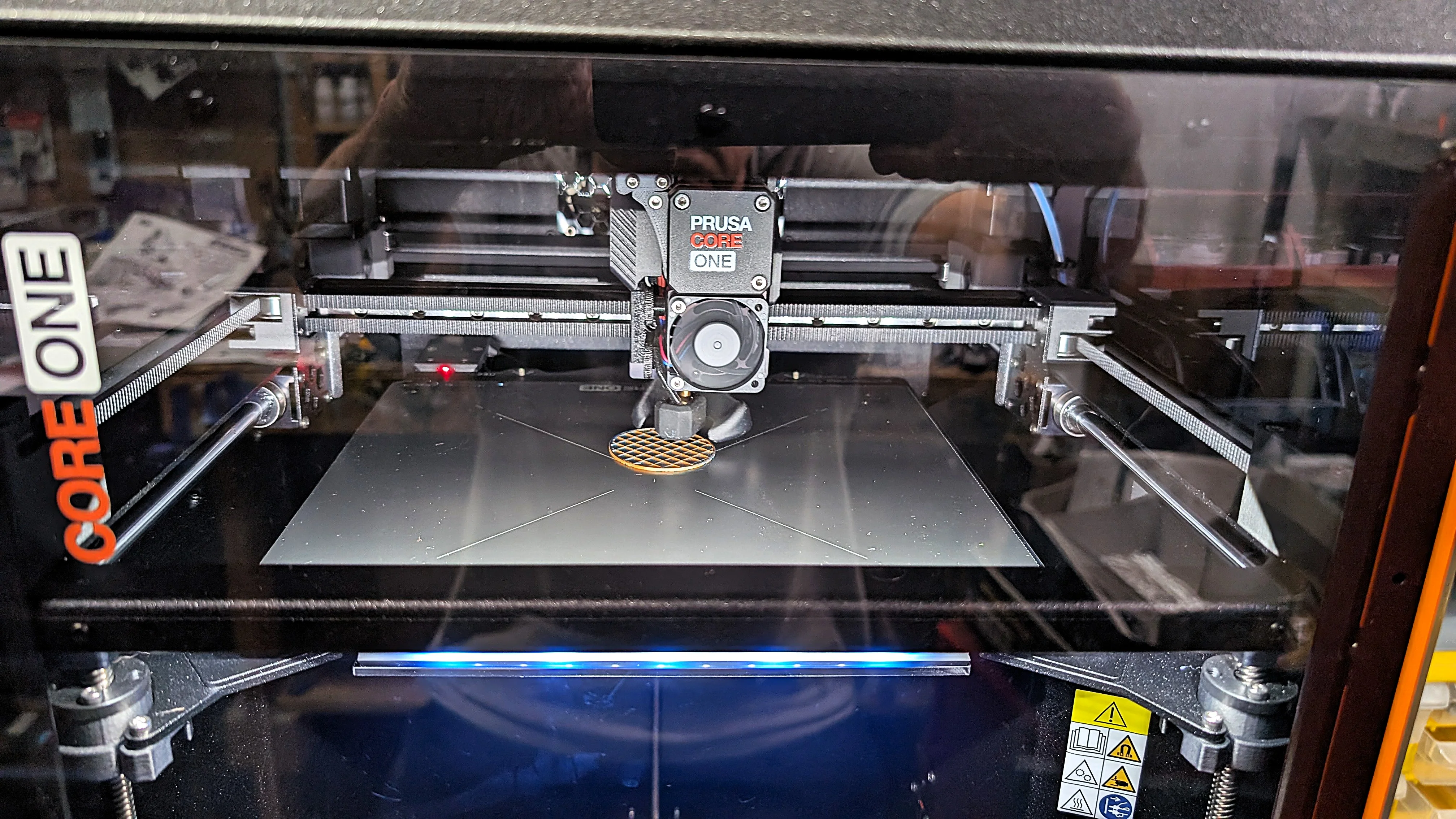
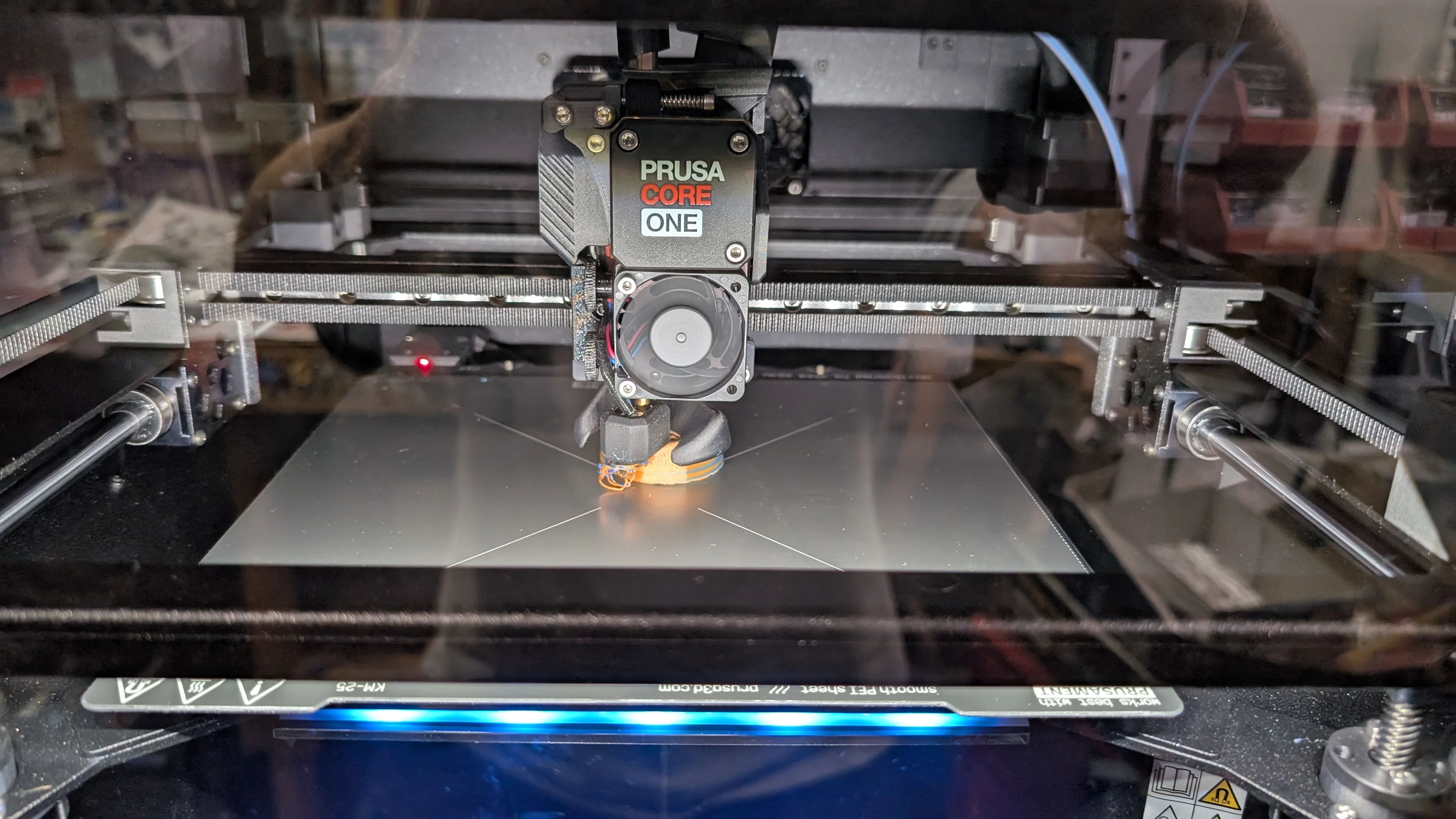
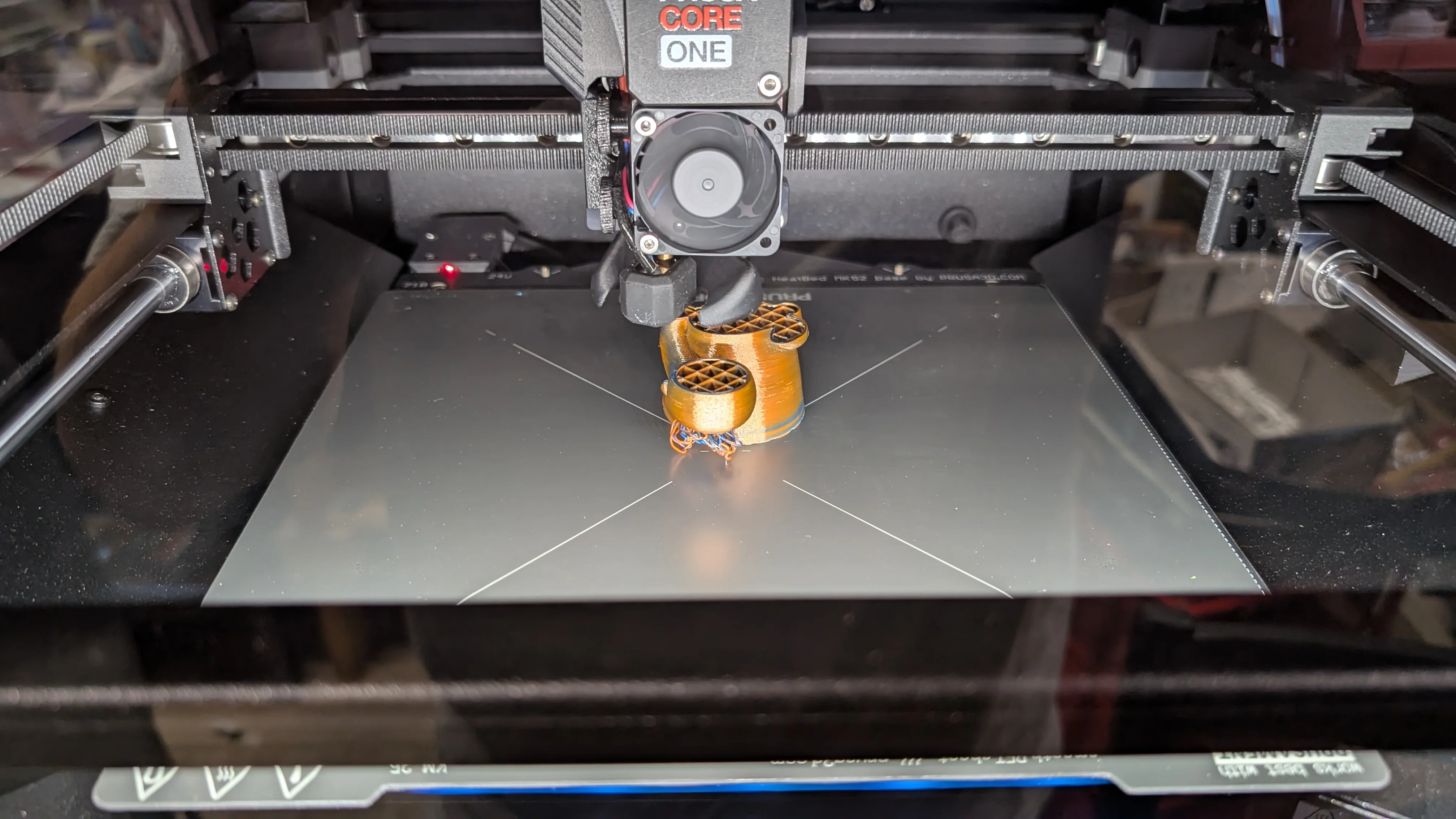
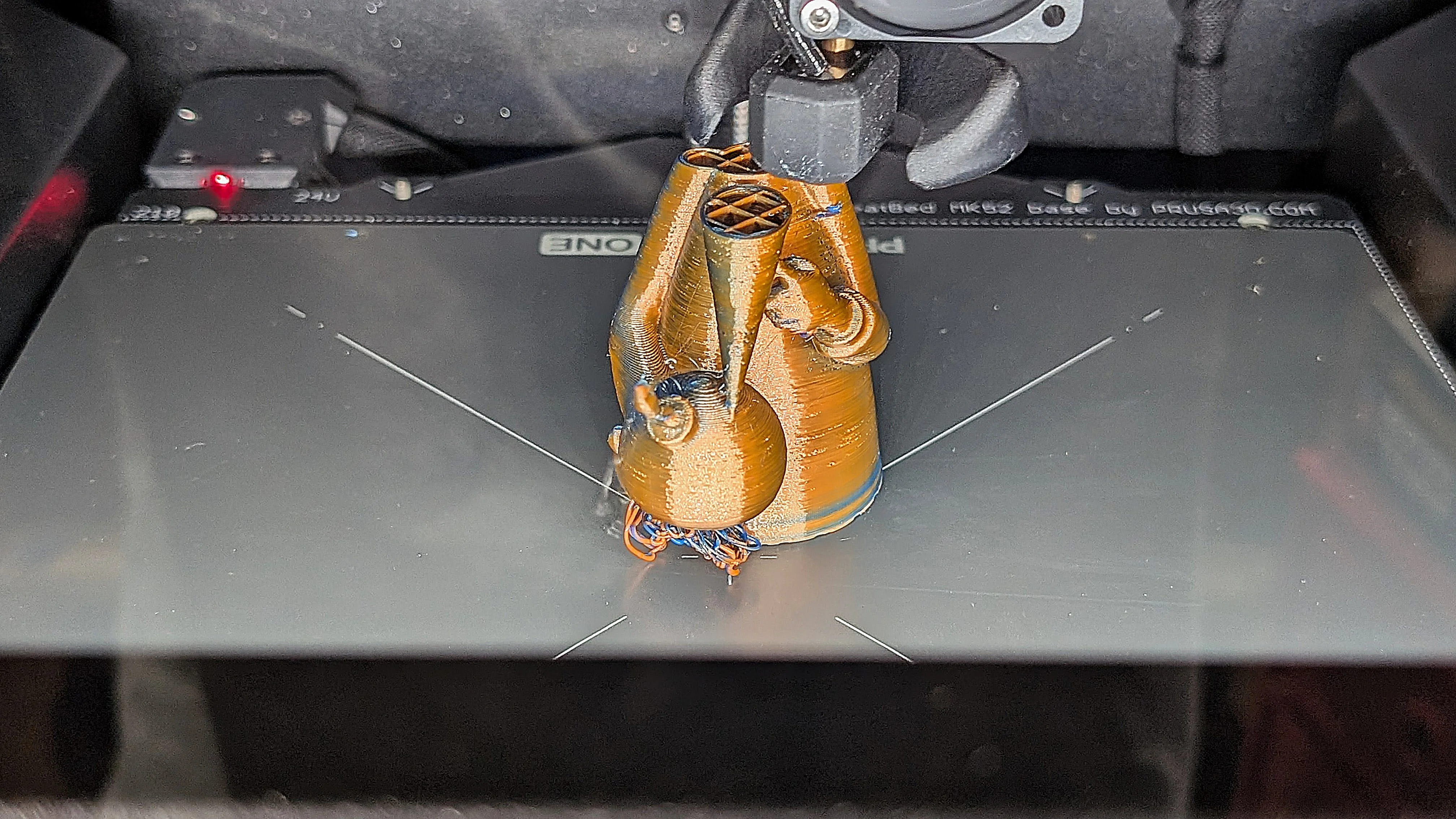
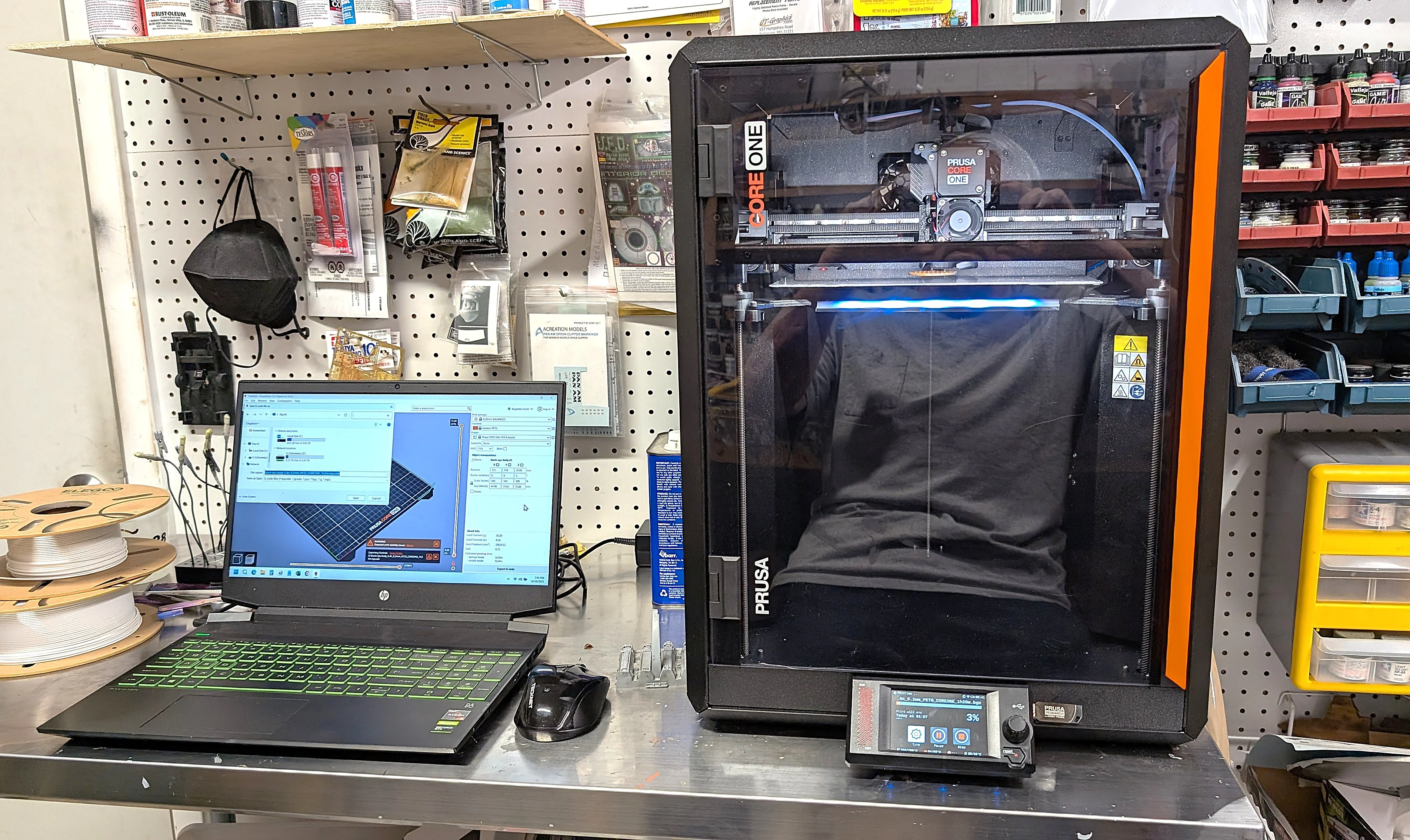
I've done a bit of printing at our son's with his lower end Flashforge Adventurer 5M over the summer. But he also owns a Prusa Core One and hasn't really used it much in the 4 months since he bought it. It sat in his garage idle so I asked if he would bring it over and put it in my shop for me to experiment with. Yesterday he did that and I've started to teach myself more about printing. My experience on his Flashforge was minimal so I have a lot to learn. I did get it up and running and printed my first piece yesterday. It is one of six parts for small Spy vs. Spy figures from the old Mad magazine when I was a kid. Initially I used the USB stick to get the G code into the printer but today hope to connect the printer to my laptop directly. Here are some pics and I have a bunch of learning to do but it should be fun.
 

Attachments

  • Prusa Core One 1.webp
    Prusa Core One 1.webp
    1.7 MB
  • Prusa Core One 2.webp
    Prusa Core One 2.webp
    1.5 MB
  • Prusa Core One 3.webp
    Prusa Core One 3.webp
    944.3 KB
  • Prusa Core One 4.webp
    Prusa Core One 4.webp
    440.1 KB
  • Prusa Core One 5.webp
    Prusa Core One 5.webp
    1.2 MB
Nice setup! You’re starting off right by printing something fun like Spy vs. Spy instead of boring calibration cubes. The Core One has way more tuning options, but don’t overthink them like most of the defaults are solid. Keep tweaking one thing at a time, and you’ll be teaching your son new tricks by the end of the month.
 
Nice setup! You’re starting off right by printing something fun like Spy vs. Spy instead of boring calibration cubes. The Core One has way more tuning options, but don’t overthink them like most of the defaults are solid. Keep tweaking one thing at a time, and you’ll be teaching your son new tricks by the end of the month.
Thanks, I would have preferred printing it in white or black but it arrived with their dual fluorescent colored filament as that's what his 8 year old likes. I intend to paint it anyway. I did change out the filament with white and did some calibrations which might not have been necessary but good for experience.
 
Love Spy vs Spy - great choice! That print looks like it could use supports. Try different filaments too - they'll print/behave differently.

I hooked up a Raspberry Pi 3 to my MK4 (will work for Core One too). The pi has a webcam attached to it too. The pi has wifi capability and can load, control, and view the print from anywhere in my house. Works pretty good.

Good luck!
 
Back
Top